Inside Geronimo Lab: My Current Homelab Setup
An overview of my Proxmox homelab setup, the self-hosted services I'm currently running, and my future plans for Geronimo Lab.
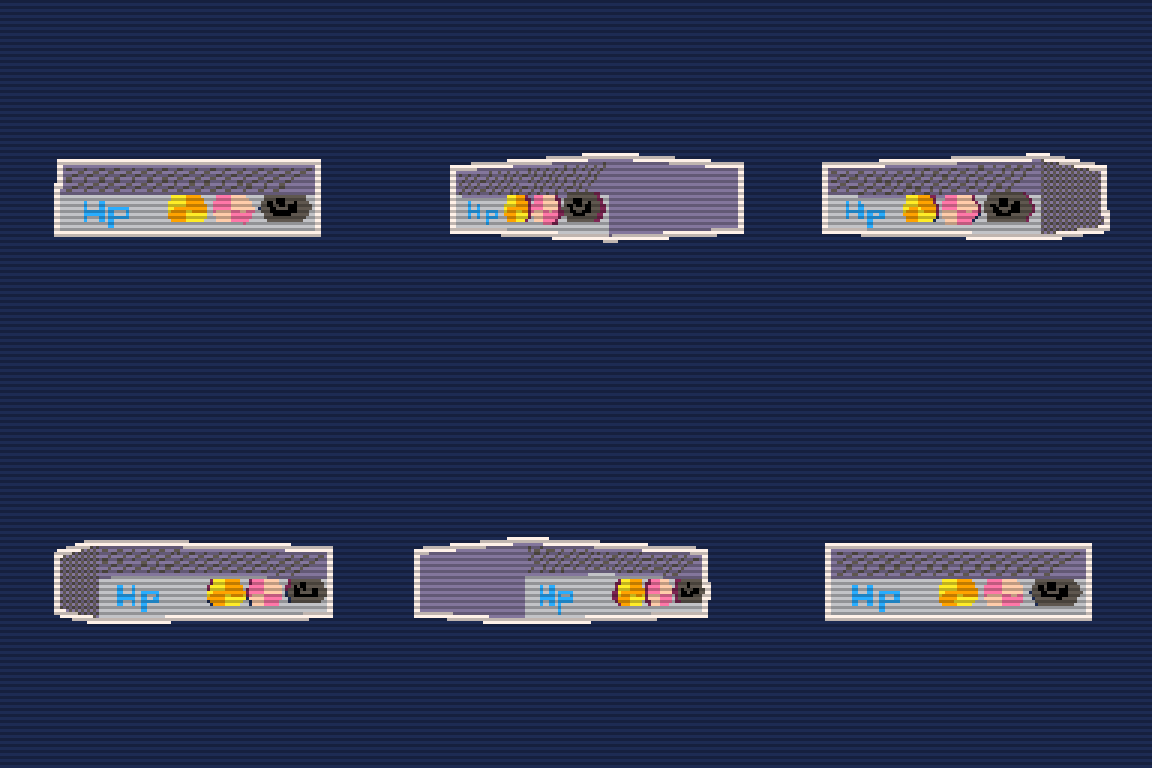
My homelab started the way a lot of them do. I wanted to run a Minecraft server for me and my friends. It was a good excuse to get my hands dirty with Linux and networking. Once that was running smoothly I started wondering what else I could do with the hardware. That curiosity is what pushed me to wipe everything and start fresh with Proxmox as my hypervisor, and what eventually became Geronimo Lab. The name is a nod to Doctor Who. The Eleventh Doctor had a habit of shouting “Geronimo!” whenever he leapt into something new, and it felt like the right energy for a lab I’d be jumping into headfirst. I made the low-poly server model in the thumbnail using picoCAD2, my first real dive into 3D modeling, and a fun way to give the post its own identity.
What’s Currently Running
The core of the setup is a single HP mini PC. This is where Proxmox lives, and right now it’s the home of Dots and Boxes Online, a multiplayer game I built and self-host here running inside a VM.
Alongside that VM, I have a few LXC containers handling supporting infrastructure:
- AdGuard Home - handles network-wide DNS filtering and local DNS resolution, so every service on the network is reachable by a clean hostname instead of an IP address
- Tailscale - lets me access the homelab securely from anywhere without punching holes in my firewall
- Homarr - a self-hosted dashboard that gives me a single place to monitor server health and access all my running services
- Jellyfin - a self-hosted media server where I store and stream media, from ebooks and music to movies, accessible from anywhere through my Tailscale network
- Minecraft - still running and still getting use out of it
Routing between services is handled by a Caddy reverse proxy, which maps clean local URLs to the right containers rather than relying on raw IP addresses and ports. It keeps things readable and makes adding new services straightforward.
Why I Document Everything
One habit I picked up early was keeping a running doc for the setup, covering every service, how it’s configured, and why certain decisions were made. I update it whenever I make a change. It’s saved me more than once after stepping away from the lab for a few weeks and coming back to a setup I’d completely forgotten the details of. What would have been an hour of retracing steps turns into a two-minute skim. At this point it feels less like optional housekeeping and more like a core part of how the lab runs.
What’s Next
The next addition will be a k3s cluster. I want hands-on experience with Kubernetes in an environment where I can break things without consequence, and it’ll also let me run Dots and Boxes Online in a more production-like setup, closer to how I’d deploy it on something like ECS. I plan to manage the cluster with Terraform for provisioning and Ansible for configuration, keeping the setup reproducible and consistent with how I’d handle it in a real deployment. Dots and Boxes Online is already running here on the homelab with a CI/CD pipeline.If you’re curious how that works, I wrote a full walkthrough of the setup. Beyond that, I’m looking forward to exploring more self-hosted applications and seeing how Geronimo Lab evolves.