Self-Hosting a Side Project With GitHub Actions, Cloudflare Tunnel, and Docker Compose
A walkthrough of deploying a self-hosted app to a homelab using GitHub Actions CI/CD, Cloudflare Tunnel for secure SSH access, and Docker Compose.
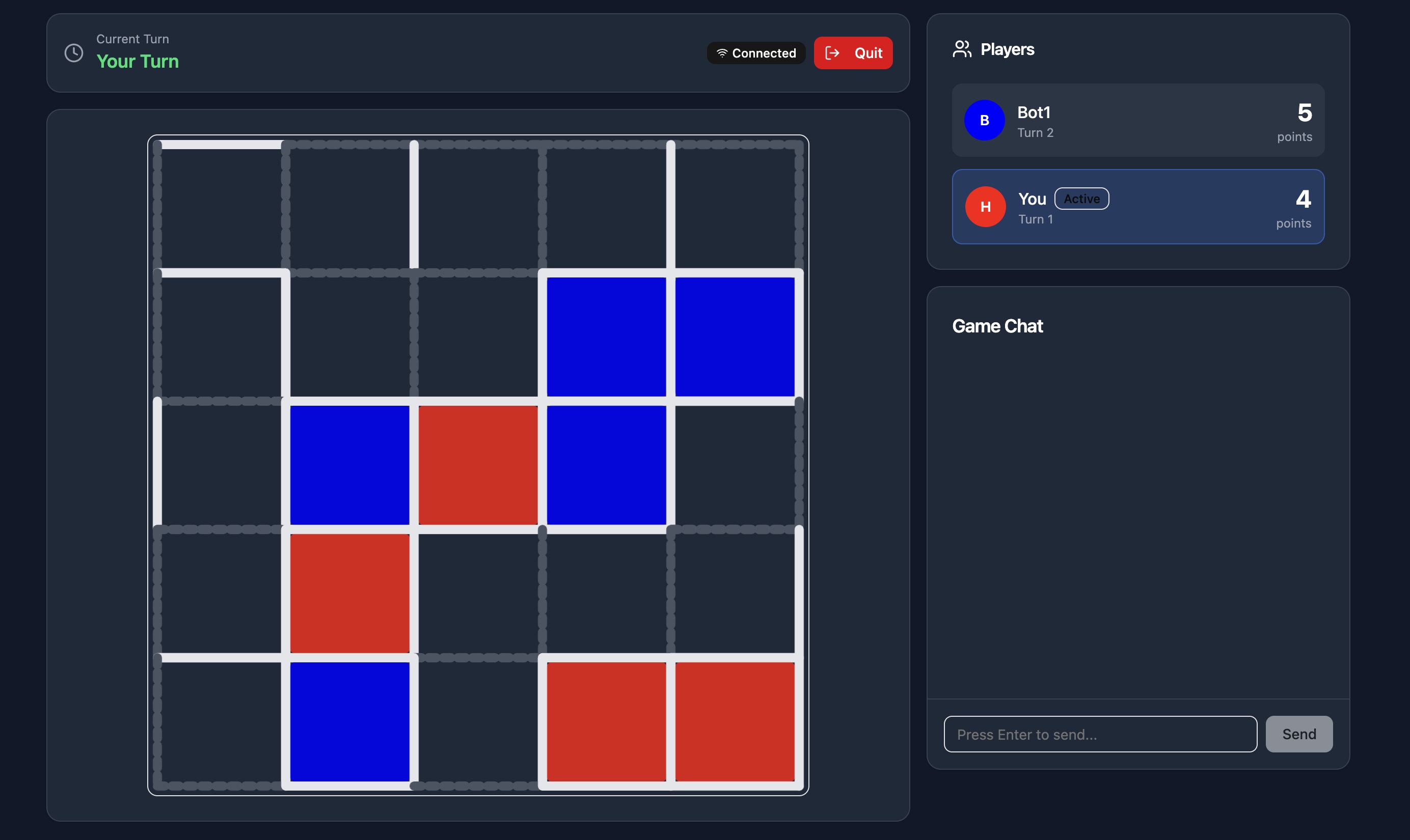
I’ve been building a real-time multiplayer Dots and Boxes game in my spare time, and it runs in production on my homelab. Every time I push to main, a GitHub Actions workflow fires, SSHes into my homelab through a Cloudflare Tunnel, and redeploys the app with Docker Compose. The app is fully containerized, so if traffic ever warranted it, migrating to a cloud provider would be straightforward with no changes to the application itself. For a while, every deploy meant SSHing in manually and running the same three commands. It worked, but it was annoying enough that I kept putting off shipping small fixes. Eventually I got tired of it and wired up a proper pipeline.
The Stack
The self-hosted CI/CD pipeline breaks down like this:
- GitHub Actions triggers on every push to
main - Cloudflare Tunnel provides secure SSH access to the homelab without exposing any ports
- Docker Compose rebuilds and restarts only the containers that changed
Connecting GitHub Actions to a Self-Hosted Server
The core challenge with self-hosted deployments is that GitHub’s runners have no way to reach a machine sitting behind a home router. The standard workaround is port forwarding or a VPN, but neither felt right for a homelab. I didn’t want to open my home network to the internet just to automate deploys.
Cloudflare Tunnel solves this cleanly. A lightweight daemon (cloudflared) runs on the homelab and maintains an outbound connection to Cloudflare’s edge network. Inbound traffic is routed through that tunnel, so the server never has to accept a direct connection from the outside.
For GitHub Actions specifically, I configured a Cloudflare Access application in front of the tunnel and issued a service token. The token lives as a repository secret and gets passed to cloudflared as a ProxyCommand during the SSH step. The connection path looks like this:
GitHub Actions runner → Cloudflare Edge → cloudflared daemon → Proxmox VMThe SSH port stays invisible to the public internet, but the Actions runner can reach it on every deploy.
The GitHub Actions Workflow
Here’s the full deployment workflow:
name: Deploy to Homelab
on:
  push:
    branches: [main]
jobs:
  deploy:
    runs-on: ubuntu-latest
    steps:
      - name: Install cloudflared
        run: |
          curl -L https://github.com/cloudflare/cloudflared/releases/latest/download/cloudflared-linux-amd64.deb -o cloudflared.deb
          sudo dpkg -i cloudflared.deb
      - name: Setup SSH key
        run: |
          mkdir -p ~/.ssh
          echo "${{ secrets.SERVER_SSH_KEY }}" > ~/.ssh/deploy_key
          chmod 600 ~/.ssh/deploy_key
          echo "${{ secrets.SERVER_HOST_KEY }}" >> ~/.ssh/known_hosts
      - name: Deploy
        env:
          CF_CLIENT_ID: ${{ secrets.CF_CLIENT_ID }}
          CF_CLIENT_SECRET: ${{ secrets.CF_CLIENT_SECRET }}
        run: |
          ssh -i ~/.ssh/deploy_key \
            -o "ProxyCommand=cloudflared access ssh --hostname %h --id $CF_CLIENT_ID --secret $CF_CLIENT_SECRET" \
            ${{ secrets.SERVER_USER }}@${{ secrets.SERVER_HOST }} \
            "cd /your/project/directory && git pull origin main && docker compose up -d --build"
The first step installs cloudflared on the Actions runner so it’s available as an SSH proxy. The second step writes the private key and known hosts entry from repository secrets to the runner’s SSH config. The third step SSHes into the homelab through the tunnel using the Cloudflare service token credentials, pulls the latest code, and lets Docker Compose handle the rest.
Everything sensitive lives in GitHub repository secrets and never touches the codebase.
Docker Compose Makes Self-Hosted Deploys Easy
Because the entire application is defined in a single docker-compose.yml, the deploy command doesn’t need to know anything about the app internals. Docker Compose figures out what changed and rebuilds only those containers. It also means the local dev environment and production are identical, which eliminates a whole category of environment-specific bugs.
Why Cloudflare Tunnel
The main reason I went with Cloudflare Tunnel was because I did not want to open ports on my home network. Cloudflare Tunnel avoids that entirely. The homelab only makes outbound connections, so there’s nothing to scan or brute-force from the outside.
What’s Next
This pipeline handles the basics well, but there’s room to grow. I’d like to add a health check step that verifies the app is actually responding after a deploy. For now, though, a git push to main gets the app live in under a minute, and that’s been more than enough to keep shipping.