Building a Personal Knowledge Management System
How I set up a personal knowledge management system using Obsidian, the benefits of keeping detailed notes, and how I use it to connect and synthesize information over time.
A personal knowledge management system is the process of collecting information that a person can store , classify, search, and share in their daily life. I started building mine at the beginning of college when I realized I was consuming a lot of content, but retained almost none of it. This pushed me to start taking note taking seriously. It wasnt until I read How to take Smart Notes by Sönke Ahrens that I had a system to organize my notes in a way that made them useful. It introduced me to a three stage process that I incorporated into my own system using Obsidian.
Stage 1: Fleeting notes
The first stage of the process is capturing information the moment it happens. Here, we don’t need to worry about structure or polish; the goal is to get an idea written before it disappears. This stage was the hardest habit for me to build. When writing notes I used to freeze at the capture stage, getting lost in structuring my notes, rather than focusing on the content itself. That friction often meant I didn’t write down notes at all. Separating the idea that refinement can happen later removed that blocker and now I just write.
Stage 2: Literature Notes
When I read a book, article or watch a youtube video, I create literature notes. These are notes that are a summary of my own words kept together with the source bibliographic details. This became a game changer for writing papers. By the time I had to start writing a draft, I already had my thinking organized. All that was left was putting it all together and refining.
The tools I like using for this are Readwise and the Obsidian Plugins: Readwise Official and Media Extended. Readwise helps me bring all the different content I consume to one place, and the obsidian integration brings it directly into my system. For YouTube, I use the Media Extended plugin, which lets me take timestamped notes and capture screenshots without ever leaving Obsidian. Reducing friction is what helps this system stick for me.
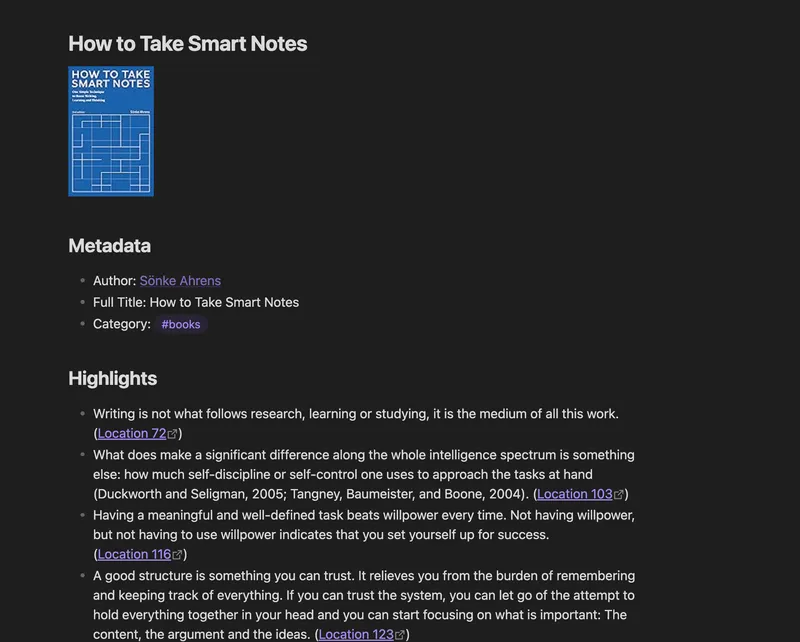
Readwise plugin surfacing highlights directly in Obsidian
Stage 3: Permanent Notes
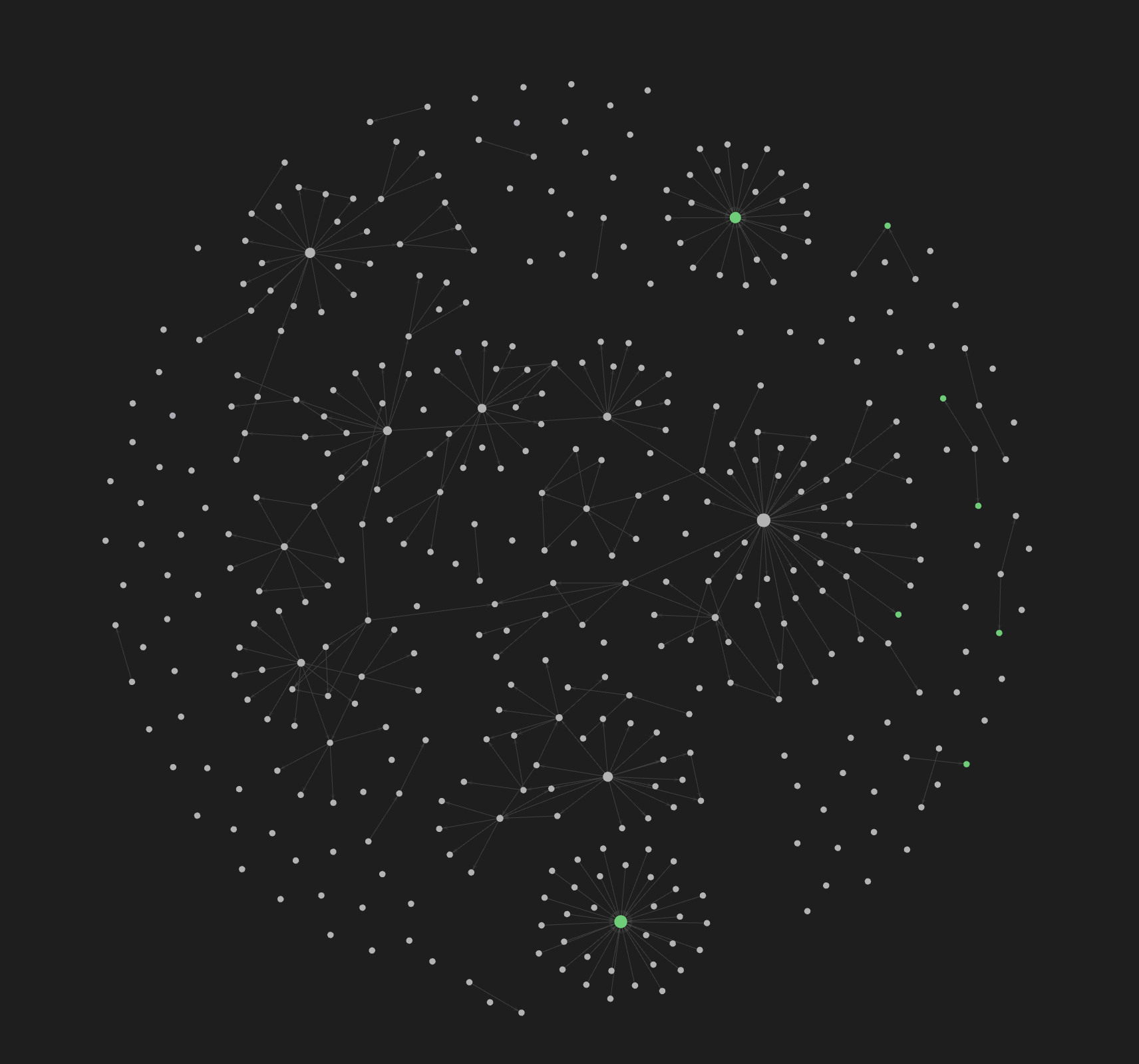
This is where the thinking happens. I go back through my fleeting and literature notes, and distill individual ideas into standalone notes. These notes are written clearly enough that future me will understand them without any surrounding context. The magic is in connecting these notes to ones already in the system, watching ideas interact and build on each other. This is why I love using Obsidian as my note taking tool, because of the ability to create these links between notes. The graph view is also fun to watch get animated from time to time seeing the connections between notes appear.
The Weekly Review
One habit that became my favorite part of the process was doing a weekly review. At the end of the week, I go through everything I’ve captured and start making connections. I understand a note better the second time I touch it, because then I’m forced to ask how the note fits and relates to others.
Where AI Fits (and Doesn’t)
I experimented with using AI to surface connections between notes, but it felt like it was defeating the purpose. The whole point of the system is to organize my own thinking, the connections I find on my own tend to be the ones that I remember. This is how I can build my own gut feelings on decisions. Where AI does earn a place is in semantic search. Sometimes I forget where I filed something or gave a note a vague title. Being able to describe a concept and having AI surface relevant notes has been very useful. I use this to help find notes that I can refine.
The System Is the Point
Looking back, the biggest shift wasn’t any single technique. It was understanding that note taking is a system. That structure is what made it work for me, and reducing friction for each step made it easy to incorporate into my workflow. The compounding effect is what I loved the most. Every note I add makes the ones before it more useful. Ideas I captured months ago resurface in unexpected places, and a connection I never planned for becomes the most interesting thought I’ve had all week. If you consume a lot and remember little, you don’t need a better memory. You need a better system.